
01
Understand the concern.
Review what changed, the available system history and the accessible equipment. Establish the diagnostic scope before deciding what needs to be repaired.
OBSERVATIONS + DIAGNOSTICSSOLAR SYSTEM SERVICE + REPAIR
Lower production. A warning message. An app that stopped updating. GreenReady helps you understand the concern, define the right service scope, and plan the next step for the solar already on your home.
Choose the closest description.
Performance review
A change in output is a reason to review the available history, operating conditions and equipment together.
When the change began
Available production history
System condition + fault records
A planning guide. It does not connect to or diagnose your system.
Evaluate → Define the work → Review the result
System diagnostics + Monitoring review + Repair planning
ANSWERS BEFORE ASSUMPTIONS
A service call should give you a clearer picture of the issue and the options. Here is how the work should move forward.
Review what changed, the available system history and the accessible equipment. Establish the diagnostic scope before deciding what needs to be repaired.
OBSERVATIONS + DIAGNOSTICSExplain the findings and proposed work. Identify parts, compatibility, costs and any manufacturer review or additional visit needed.
FINDINGS + YOUR APPROVALComplete the approved work and applicable operating checks. Document what was addressed and any items that still need attention.
APPROVED WORK + CLOSEOUTKnow the scope of your visit. Confirm the service-call fee and included diagnostics when booking. Repairs, parts and additional visits are addressed in the proposed service scope.
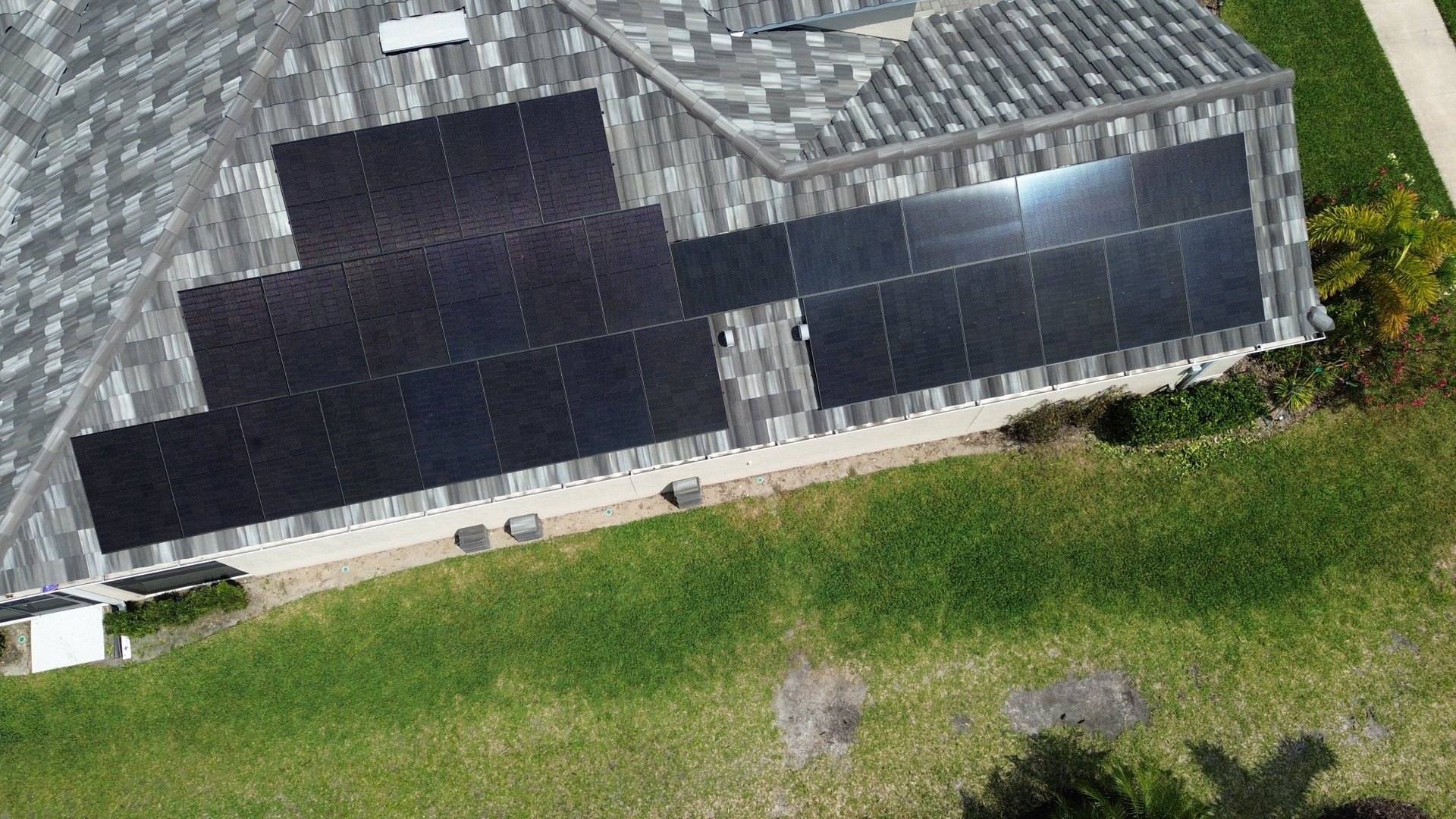
A HOME. A ROOF. AN ENERGY SYSTEM.
The panels, equipment, roof interfaces and monitoring all shape the service picture. GreenReady brings roofing and electrical context to the evaluation of your existing solar.
Published Florida contractor credentials
A MORE USEFUL FIRST CONVERSATION
Build a short set of notes for your service request. Start with your main concern and mark the records you have available.
Missing records are okay. Start with what you have. Use information you can access from the ground, your app or your files.
WHAT TO DISCUSS
A screenshot of the change and the dates you first noticed it.
YOUR STARTING POINT
I’m not sure who installed it
GreenReady can review the equipment, access and available records to confirm the appropriate service path.
Copy your notes before continuing. These selections are not sent to GreenReady. The next page handles your request or booking.
WHEN THE ORIGINAL INSTALLER IS UNAVAILABLE
If your installer closed, stopped responding or no longer services your equipment, start with a review of what you own and the information available.
GreenReady can assess the next step. Equipment support, system access, ownership and existing coverage are reviewed before a service scope is confirmed.
Discuss my existing systemNew service work does not automatically take over another company’s warranties or obligations. Coverage is identified in the written scope.
BEFORE YOU BOOK
Know what a diagnostic visit can cover and which questions need a closer review.
Ask GreenReadyGreenReady can review your existing system and available records to determine an appropriate service path. Equipment compatibility, ownership, monitoring access, condition and the work required affect what can be offered. Share the manufacturer and model if you know them. Service acceptance and scope are confirmed for your system.
YOUR SOLAR. YOUR NEXT STEP.
Tell GreenReady what you are seeing and what you know about the system. We’ll help you find the appropriate service path.
Schedule a Solar Service EvaluationOpens the solar diagnostic calendar. Review the service fee and included work before booking.